 Phone Samsung Galaxy Tab S 8.4 (WiFi)
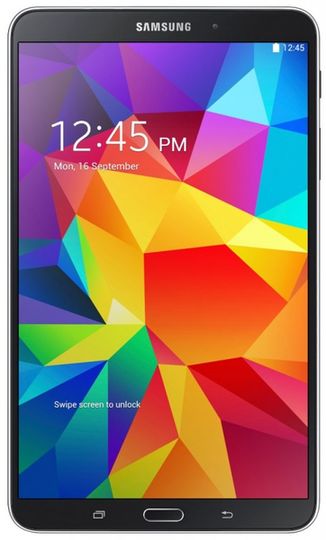
Model SM-T700
PDA Version T700KXU1BOJ1
CSC Version T700KOO1BOJ1
PHONE Version T700KXU1BOJ1
Region KOO
Country Korea
Build Date 07.10.2015
Changelist 5959894
OS Lollipop
OS Version 5.0.2
dulalinginear36@yahoo.com
dkdulal18@gmail.com
Skype id dk.dulal
contact no- 01720450113
01937379113
01674906662
Click here
Flashing requirements:
- Odin Tool (Download)- Desired firmware package
- Samsung device drivers (Download)
Flashing guide:
1. Download and extract a zip file containing your desired firmware.
2. Open Odin Tool.
3. Boot your device in the "Download Mode":
Press Volume Down, Power and Home buttons at same time for 5-8 seconds until download mode is active.
4. Connect your device to PC via the USB cable while in download mode.
5. Next, check the "Auto Reboot" and "F. Reset Time" options in Odin Tool.
6. Hit the AP/PDA button then browse and select a tar.md5 file from the extracted folder.
7. Finally press the start button to begin flashing the firmware update on your device.
Samsung Galaxy Tab S 8.4 (WiFi), model SM-T700 Firmware download-free
